Permission Plugin
with Web Dashboard
Manage your Minecraft server permissions conveniently through a secure web panel. RSA signing, API key authentication and automatic session management.
Security explained in simple terms
A multi-layered security system protects your data and prevents unauthorized access.
Plugin Setup
The plugin registers once with a unique API key with the API. This is used for all subsequent requests.
Secure Authentication
Every API request is authenticated with the API key. All data is transmitted encrypted.
Digital Signatures
Critical operations like logins are provided with RSA signatures. The API verifies the authenticity of the request.
Session Management
After successful authentication, the player receives a session token with automatic expiration time.
Everything you need
Powerful features for professional server management.
Complete permission system
Permission system with proxy support, group and user management, database connection, and many other features.
Web Panel
Modern web panel with user accounts and permissions, 2FA support, detailed statistics, event builder, and more.
Blueprint System
Create and manage permission groups with predefined permissions and assign them to players later via the web panel.
Log System
Detailed logging of all actions in the web panel and plugin. Full transparency and traceability of changes.
API Plugin
REST API for all plugin functions. Access and control via API key. Comprehensive documentation of all endpoints.
API Integration
REST API for all plugin functions. Access and control via API key. Comprehensive documentation of all endpoints.
Backup System
Create automatic backups with support for importing and exporting backup files.
PlaceholderAPI Support
Use PlaceholderAPI to display permission and group information in-game, e.g., in the tab list or chat.
Secure key exchange with RSA encryption
The plugin and API communicate securely using RSA encryption to protect sensitive data during transmission.
Minecraft Commands
All important actions can be performed directly in the game. Register your plugin, generate login links, and manage permissions—all with simple commands.
Install Permission Plugin
- Place Plugin by Modrinth in the plugin folder on the server and proxy.
- After restarting, execute the command /pm register
- Now you're ready to go, manage groups & permissions, and more.
- Log in to the web panel /pm login
Clear Dashboard
Manage everything in one place. Groups, players, permissions - with a modern and intuitive interface.
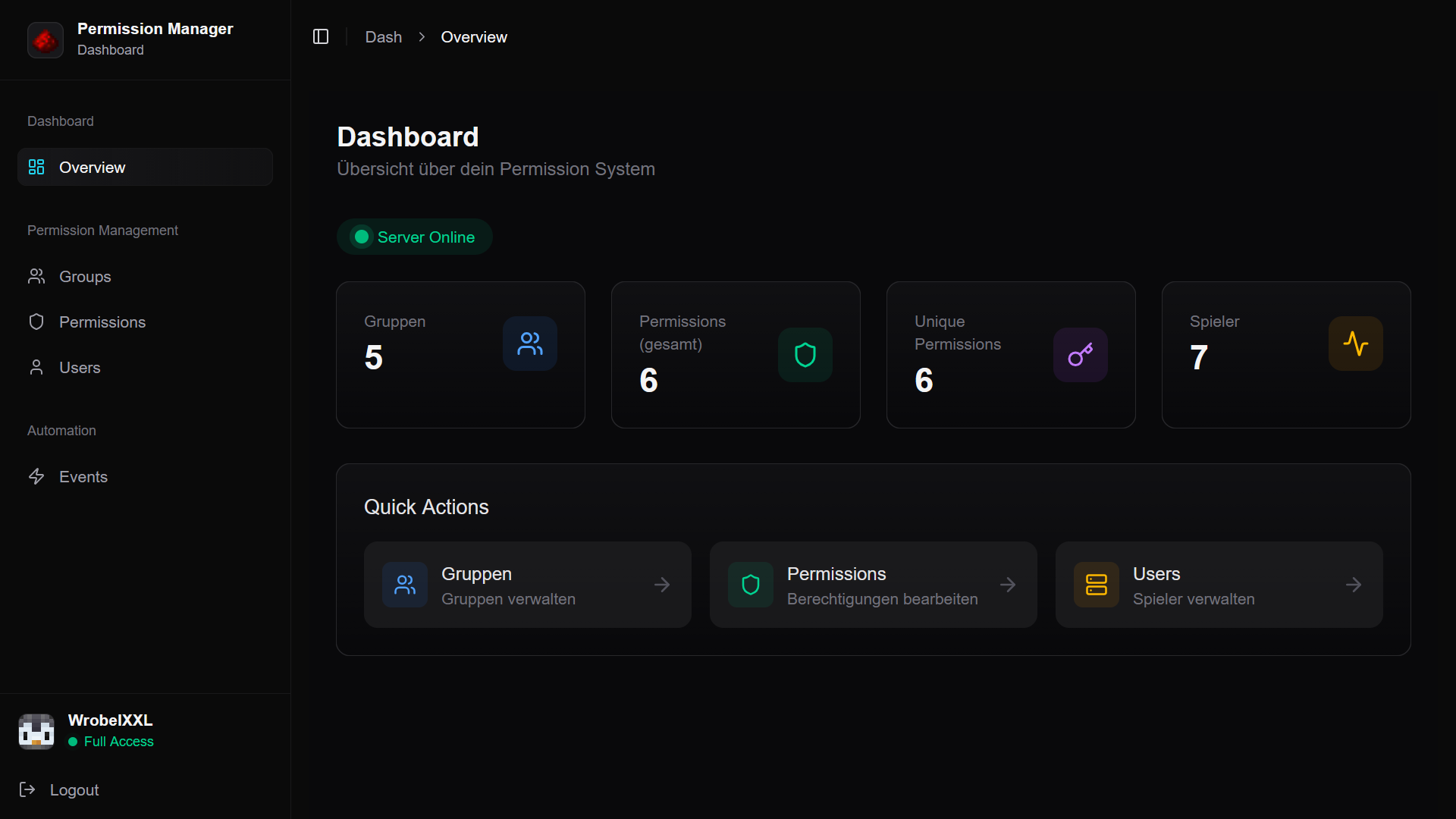
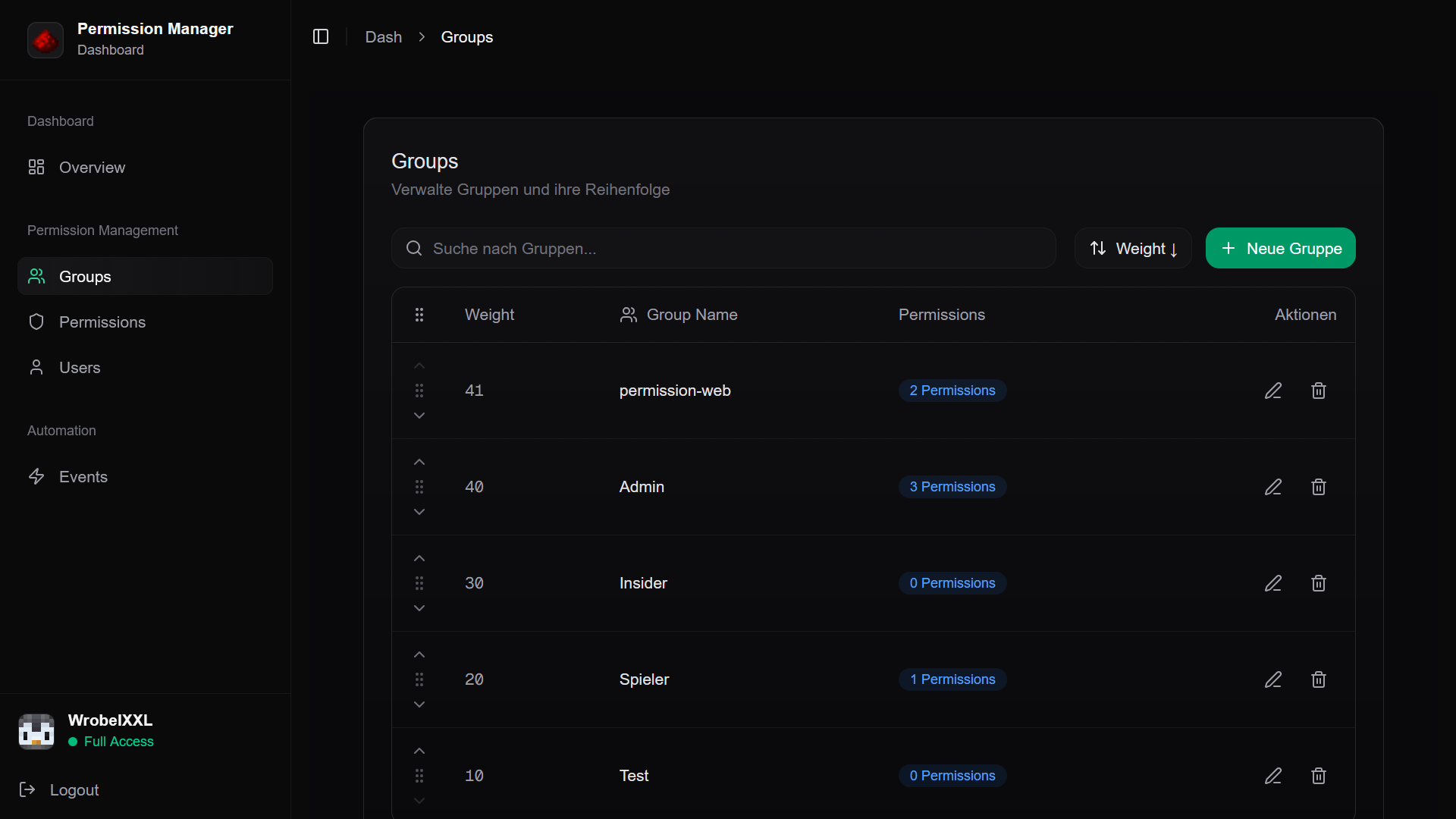
Click on the tabs or wait for the automatic animation
Ready to get started?
Install the plugin, register with the API and manage your server permissions like never before.